

capture UI inspiration
as live code
UI inspiration organizer for frontend developers and designers, to capture UI with code.
inspiration is visual
implementation is code
right now they live in different worlds: a hundred open tabs, forgotten bookmarks, and no link between how a UI looks and how it is built.
we built stele to bridge the gap,
a single home for both the visual and the code.
capture at the speed of thought
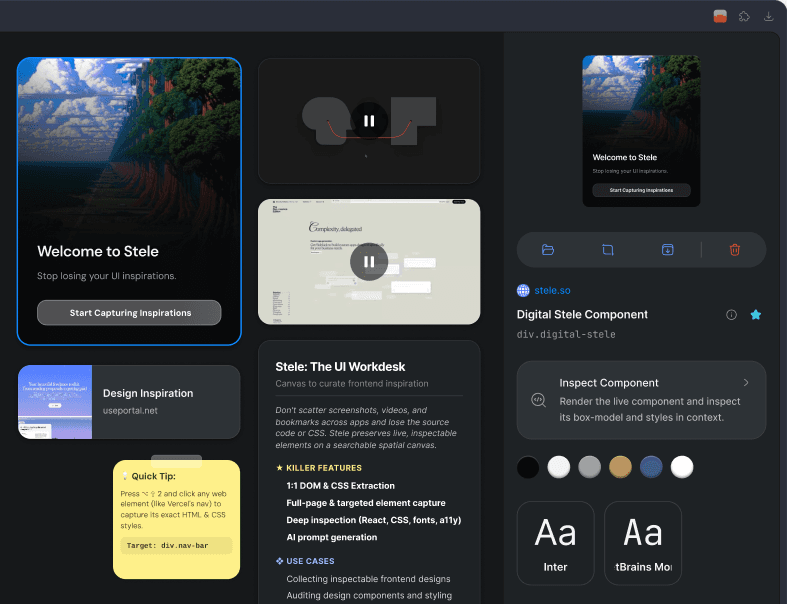
use the extension to capture anything: elements, code, full pages, or visual regions, without breaking your flow.
save anything that inspires you
elements, screenshots, bookmarks, videos, code and notes, all as first-class blocks, stacked, grouped or filed.
everything comes with the screenshot
a capture is not a picture. it is the markup, the styles, the assets and the tokens, kept together.
Design Tokens
Instantly extract the exact fonts, colors, and shadows used by top design teams.
WCAG Accessibility
Quickly audit your UI for color contrast, focus boundaries, and full axe-core compliance.
AI Auto-Tagging
AI automatically categorizes every component. Search for 'dark mode' or 'pricing' to find what you need.
Instant Export
Copy components to Figma, grab production-ready React code, or extract raw context for your AI.
Asset Extraction
Extract SVGs, images, and web fonts perfectly intact. Say goodbye to broken vectors.
Semantic Search
Find anything in your workspace instantly. Search for 'login modal' or 'blue button' and jump straight to the right component.
Multiple Views
Organize your folders as a square grid, an icon grid, a masonry moodboard, or an infinite canvas. Section any of them by day.
MCP Protocol
Instantly connect to Cursor or Claude. Let your AI agents search, read, and write components using the Model Context Protocol.
Universal Import
Pull inspiration directly from Pinterest, Twitter, Dribbble, Behance, and Raindrop into a single unified canvas.
capture UI as live code.
Live sandboxes you can inspect, export as Figma code, or feed to AI.
capture runs in the chrome extension, on desktop. the canvas is here.

inspiration is visual
implementation is code
right now, they live in entirely different worlds. designers hoard screenshots in figma, while developers bury ui snapshots in local folders, relying on manual inspection to reverse engineer them. we end up with a hundred open tabs, forgotten bookmarks, and a massive disconnect between how a ui looks and how it's actually built.
we built stele to bridge the gap.
a single home for both the visual and the code.
capture at the speed of thought
save elements, code, full pages, or visual regions instantly without breaking your flow.

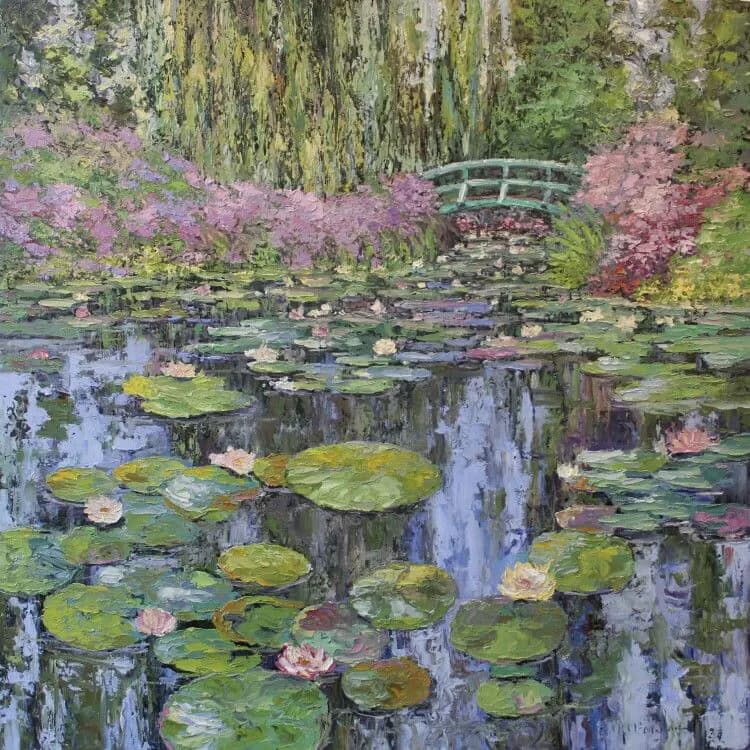
save anything
that inspires you
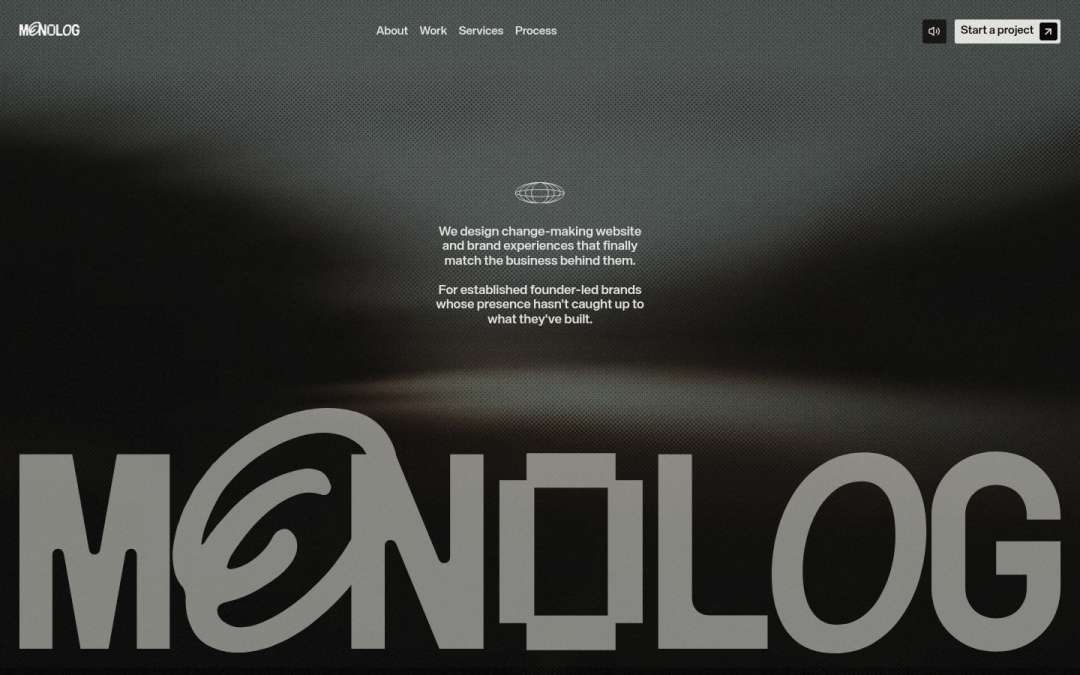
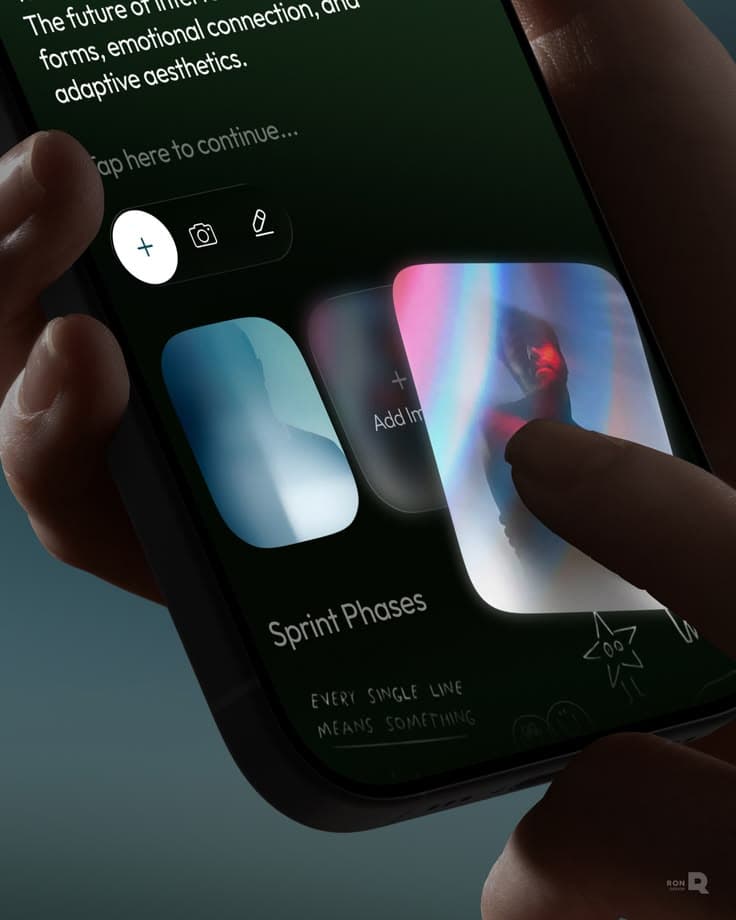
- 1:1 DOM & CSS Extraction
- Full-page & targeted element capture
- Deep inspection (React, CSS, fonts, a11y)
- AI prompt generation
- Collecting inspectable frontend designs
- Auditing design components and styling
- Reverse-engineering captured animations
- Generate AI prompts to recreate saved UI
export function Badge({ tone, }: Props) { return ( <span className={TONE[tone]} /> ); }
- 1:1 DOM & CSS Extraction
- Full-page & targeted element capture
- Deep inspection (React, CSS, fonts, a11y)
- AI prompt generation
- Collecting inspectable frontend designs
- Auditing design components and styling
- Reverse-engineering captured animations
- Generate AI prompts to recreate saved UI
export function Badge({ tone, }: Props) { return ( <span className={TONE[tone]} /> ); }
- 1:1 DOM & CSS Extraction
- Full-page & targeted element capture
- Deep inspection (React, CSS, fonts, a11y)
- AI prompt generation
- Collecting inspectable frontend designs
- Auditing design components and styling
- Reverse-engineering captured animations
- Generate AI prompts to recreate saved UI
export function Badge({ tone, }: Props) { return ( <span className={TONE[tone]} /> ); }
const lift = {
  y: -6,
  scale: 1.02,
  shadow: '0 18px 40px',
};
find and organize designs
exactly how you remember it
the site can change
your capture never does
real HTML and CSS frozen exactly as you saw them


- font
- Helvetica Neue
- heading
- 42px / 500
- colour
- #08080a
- padding
- 0 56px
read from the saved capture of obscura.studio, 2026-06-18
component library that builds itself,
every time you hit capture
stop screenshotting
start collecting
capture. inspect. ship.
* free while in beta · chrome extension included